

Once an Inserted Graph has been added to the design it become interactive. Various facets of the graph styling can be changed using Properties. As the graph is interactive, you can also interrogate results that are presented.
For the graph to display any results, the simulator must have first been run and results available.
Note: Graphs are only available if Set Netlist Spice Type is set to PulsonixSim.
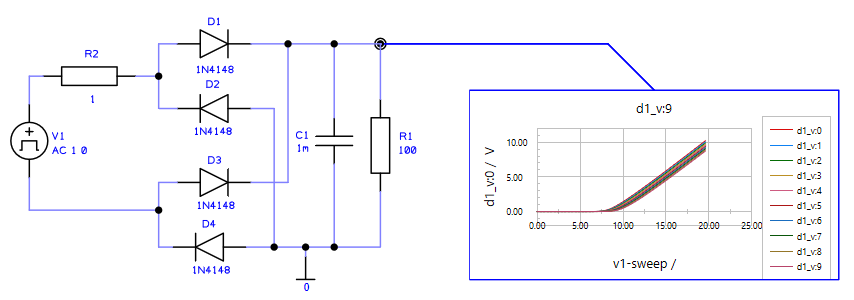
Using the Inserted Graph
Viewing the Graph
Zooming in and out on the graph can be done by rolling the mouse wheel.
Graph Tooltip
A tooltip within the graph is displayed if you hover your mouse over the actual graph. The tooltip is displayed for any graph line hovered over or selected. The tooltip gives you the Signal Name, the Time and the Voltage.
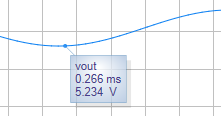
Other Graph Details
Other details such as the graph labels and colours can be changed by selecting the label or series label. This will display a dialog dialog from where it can be changed.
Properties
Properties of an Inserted Graph enables each graph to have it own Line style and to change the pointer attached side.
Resizing the Inserted Graph
Each graph can be resized by selecting a side and dragging it to the new position. If you wish to position the whole Graph.