Uncheck From Vault allows you to ‘release’ items you have checked out, so that they are no longer marked as checked out by you.
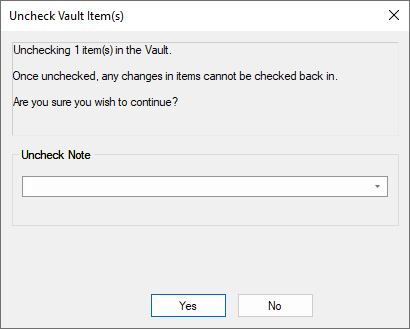
Details about the item you are unchecking are displayed, including the name of the item, its current revision name and timestamp, and the Vault folder in which it resides.
Uncheck Note
Enter a suitable note or comment in the box provided or select one from the drop down list. This will be recorded in the Audit Trail for this uncheck action.
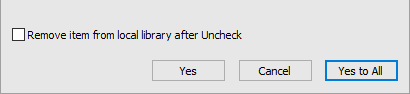
After the item has been unchecked, you have the option to close it (if it is currently open in Pulsonix), and remove it from the local folder to keep things tidy.
Unchecking from the Library Manager
When unchecking library items from the Library Manager dialog, the option to remove from the local (‘checked out’) library is provided, again to keep your local libraries tidy so that the rest of the application does not ‘see’ this unchecked item when it should be seeing the proper Vault version first.